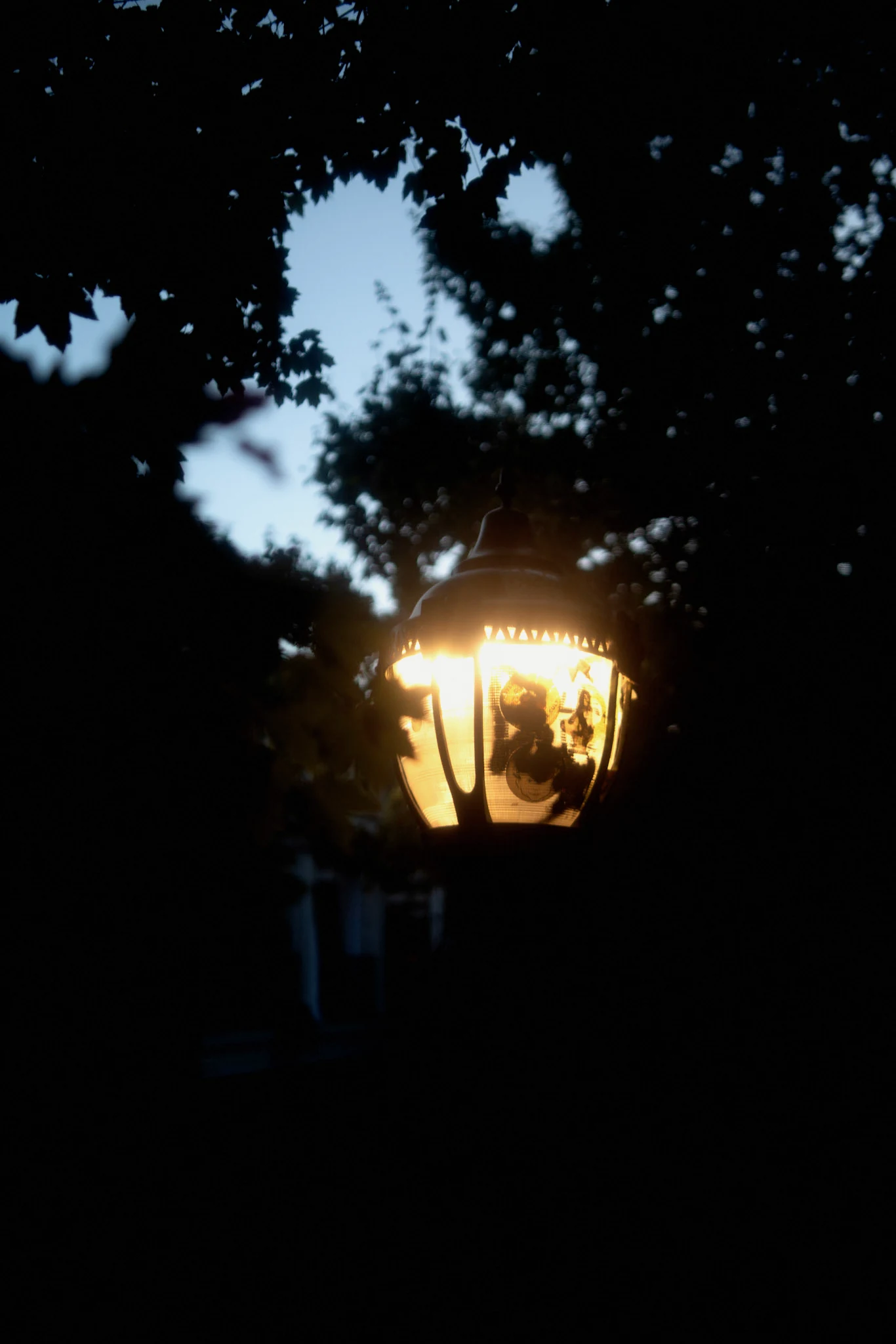
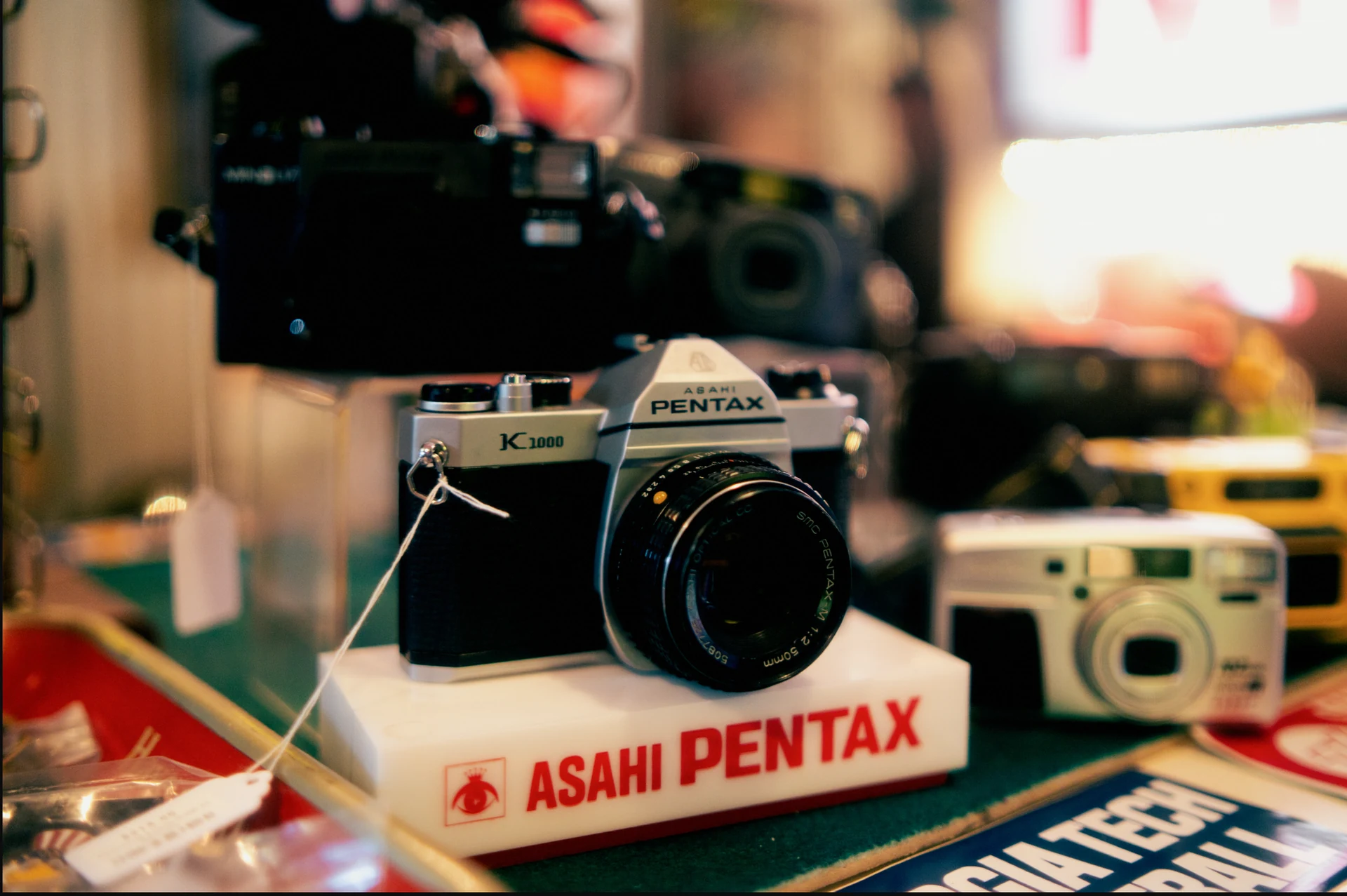
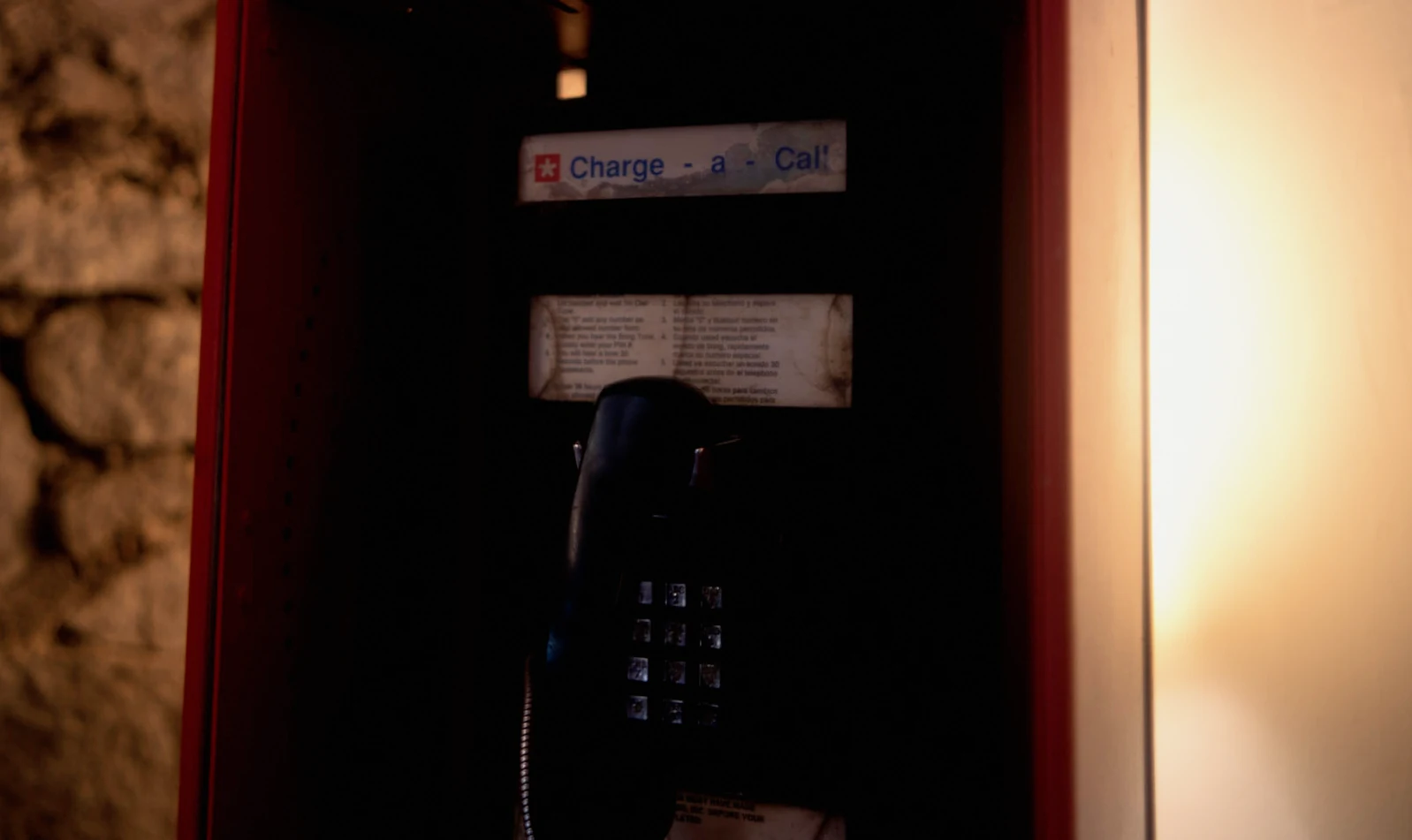
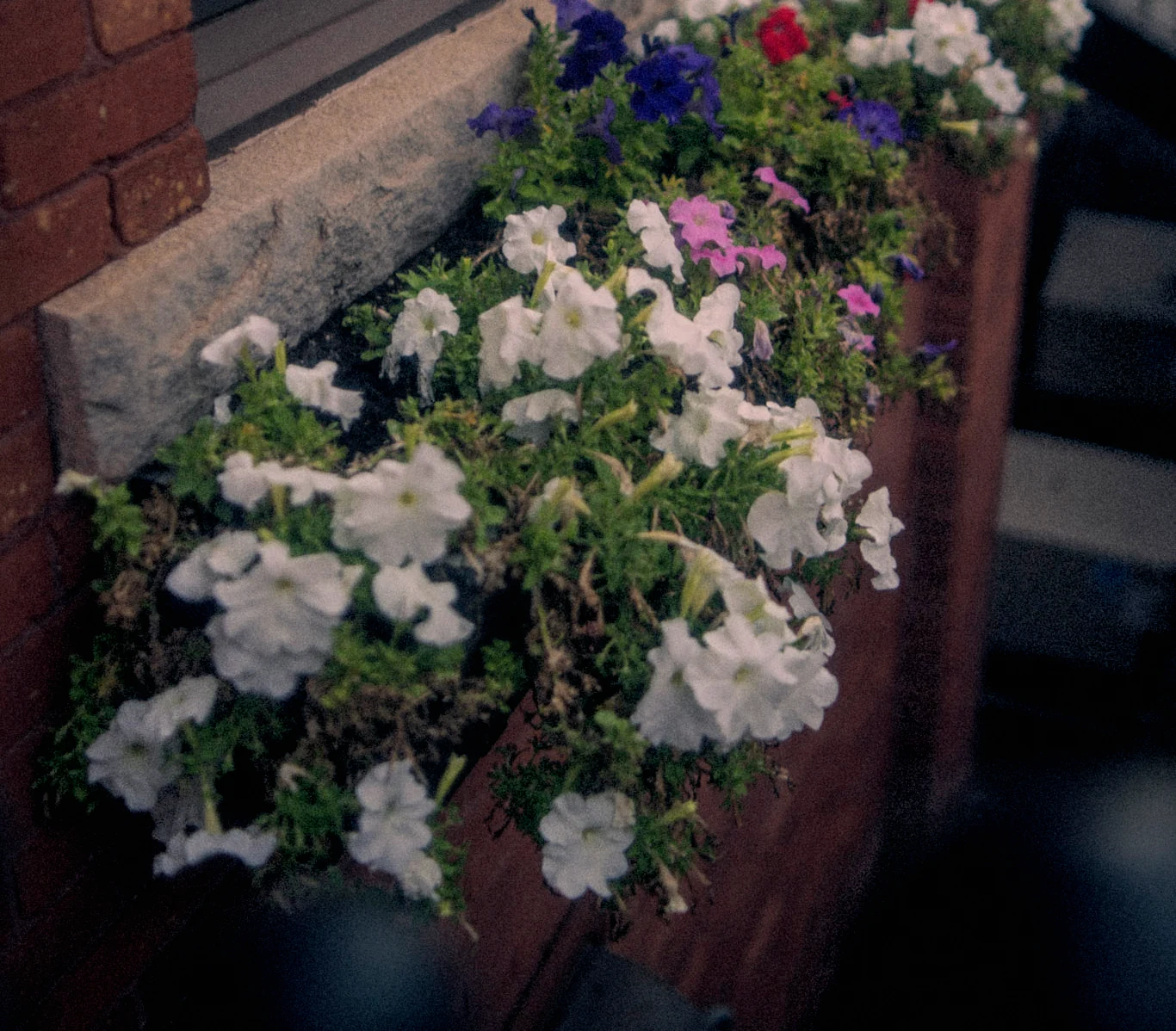
I started by trying to make digital photographs feel more like film. That pulled me into a different question: could I change the light before adding the texture?
I’ve been exploring film texture through Grainroom, my film-editing playground, and lighting through separate experiments using Marigold V2. The attraction is being able to take the image apart, adjust one thing, and see what that changes.
For these four photographs, I used Marigold V2’s normals and albedo estimates to guide local lighting adjustments, then finished the images in Grainroom. This pass used no depth map and rendered no new cast shadows. The film treatment is an interpretation, not an exact reproduction of a particular stock.
Grain has a scale, and a shape
Getting closer to film means paying attention to how the texture behaves. Grain has spatial structure: neighboring marks belong together. Its appearance changes with tone and with how much the image is enlarged. A useful research reference is Realistic Film Grain Rendering, which models randomly placed, overlapping grains before calculating the pixels we see.
My own experiments use procedural, spatially correlated grain, with blur, color, halation, and grain kept as separate stages. I put grain after the simulated lens blur so it stays part of the recording surface rather than getting blurred with the scene. Halation gets its own treatment around bright areas.
I’m still chasing a convincing result. I haven’t established an exact match to a particular film stock. That would need comparisons with real scans at matched viewing sizes, accounting for exposure, development, and scanning. A pleasing texture is a useful result; it is not a measurement of film accuracy.
A better guess about the light
Recently I used Marigold V2 to estimate depth, surface normals, and albedo from a photograph. Those maps describe different things:
- Depth estimates how far surfaces are from the camera, in relative terms.
- Normals estimate which way each patch of surface faces.
- Albedo estimates diffuse reflectance: roughly, the material’s underlying color separated from shading.
That gives me useful handles. Normals can guide which surfaces respond to a virtual light. Estimated albedo helps distinguish a dark material from an area that is receiving less light. A simplified diffuse model treats the image as surface color multiplied by illumination; comparing the photograph with estimated albedo gives a rough guide to the lighting already there.
Same surface, different light
Keep the material fixed. Move the light, then add a little texture.
Surface color

Albedo: the color of the material.
Light + texture

Normals guide how each point receives light.
In one pass, I used normals and depth to shape a warm virtual light. In another, I followed the estimated existing illumination: warming the lit areas, keeping shade cooler, and increasing the contrast between them. The second edit preserved the original lighting direction. It didn’t create a new low sun or new cast shadows.
More control over where an edit lands
Compared with moving global white balance and exposure sliders, this lets me ask more specific questions: which surfaces face the light? Which regions look dark because of their material? Where should the warmth stop?
Lightroom already supports local exposure and color adjustments through masks. Careful masking could achieve a similar warm-light, cool-shade treatment. The useful difference for me is another way to place those adjustments, guided by estimated scene properties. It is not automatically a better edit.
The estimates can also be wrong. Reflections, glass, and ambiguous shading make the separation difficult, and existing cast shadows remain part of the photograph. These experiments do not recover a complete 3D scene.
The normals-and-albedo work is currently a separate experiment, rather than a built-in Grainroom relighting control. Explore Grainroom for the film-editing side. What I want to keep exploring is the combination: shape the light, then decide how the image should record it.